5 400  4 500 
Buy
Remed Otoscope video otoscope

Remed Otoscope video otoscope

5 400  4 500 
Buy

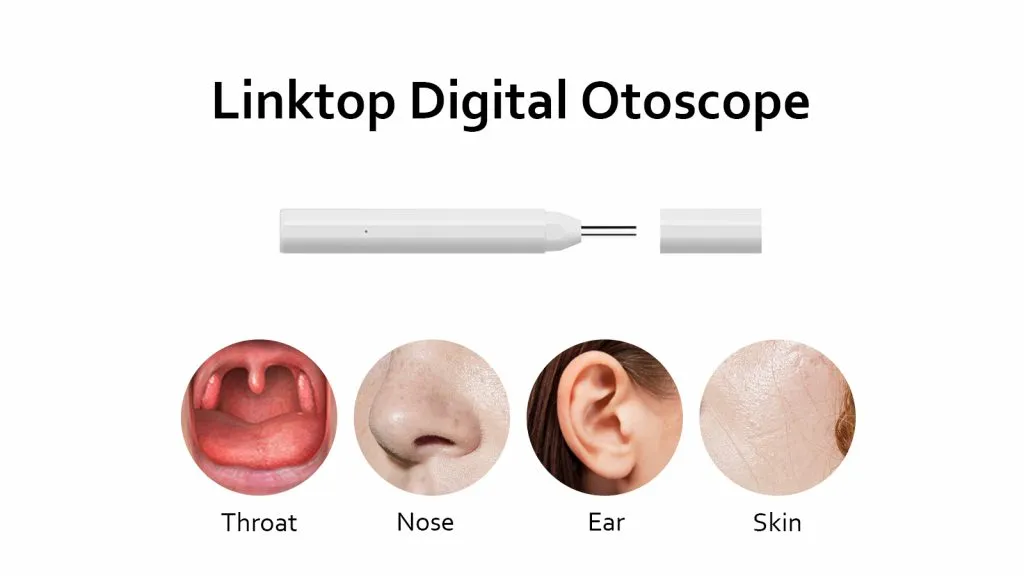
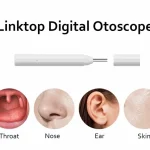
Video otoscopes allow you to quickly and easily examine the condition of the ear, throat, and nose by transmitting images in real time directly to the REMED.CARE mobile application.

It is a personal assistant for both independent use and a useful tool for online consultations with a doctor, allowing you to conduct online video examinations of the ear, throat, and nose without leaving your home or while traveling.

Description

Video otoscopes allow you to quickly and easily examine the condition of the ear, throat, and nose by transmitting images in real time directly to the REMED.CARE mobile application

It is a personal assistant for both independent use and a useful tool for online consultations with a doctor, allowing you to conduct online video examinations of the ear, throat, and nose.

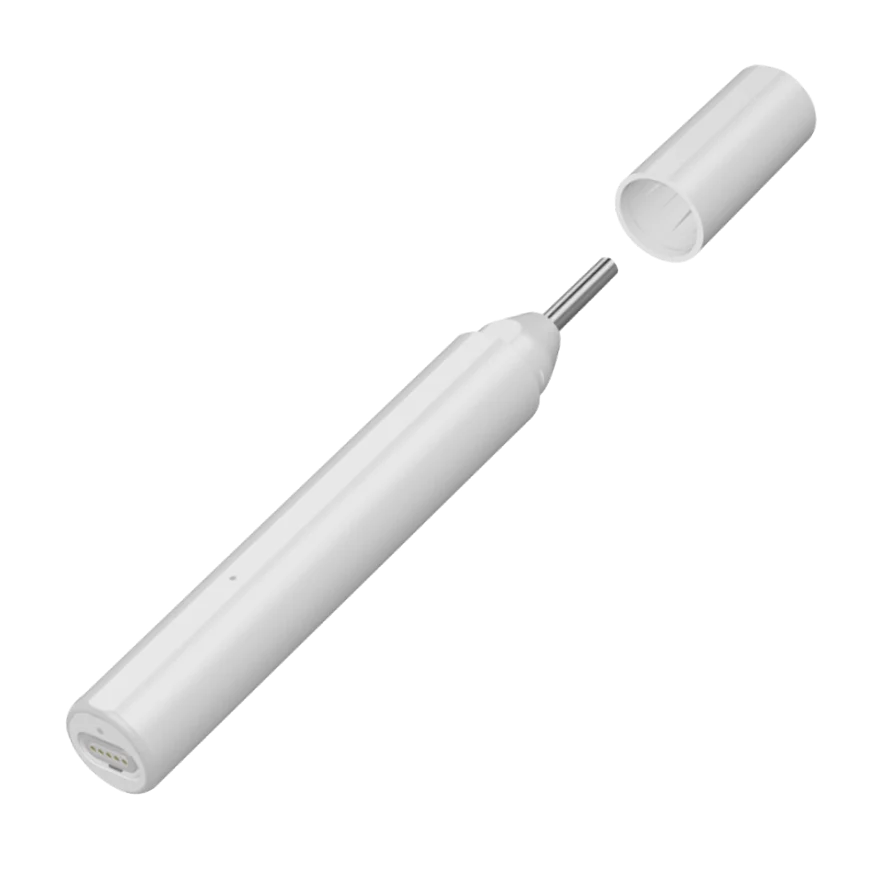
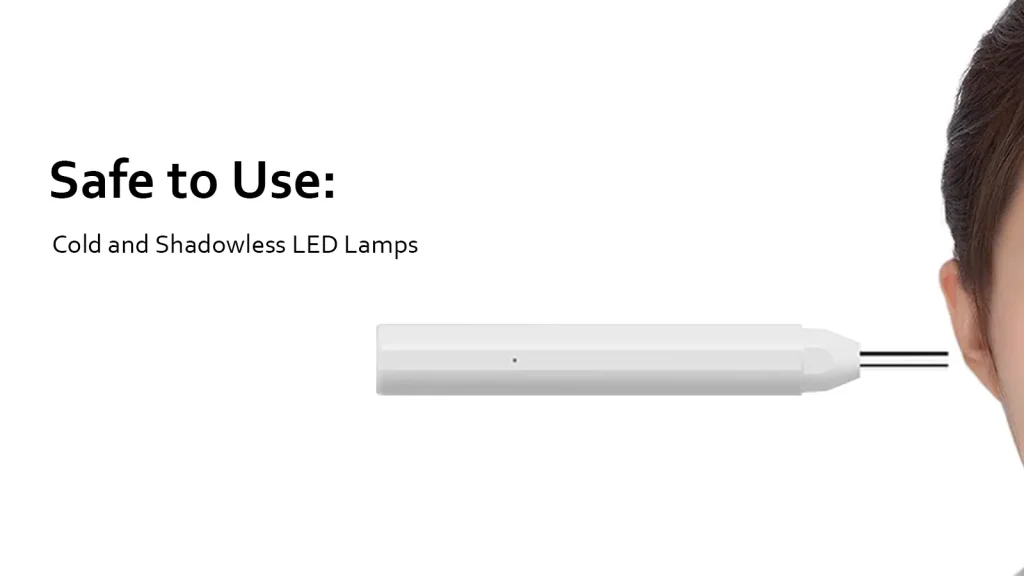
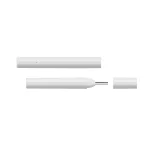
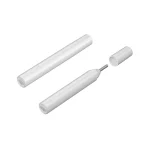
The REMED digital otoscope is a telemedicine device equipped with an HD camera, cold and shadowless LED lighting, and the intelligent REMED.CARE visual application, which allows you to receive a video stream directly in the application or during a consultation with a doctor.

It combines professional image quality, ease of use, and the ability to instantly share videos with your doctor via the REMED.CARE app.
Professional quality at home
Built-in camera with 720p resolution, 1,000,000 pixels, and 6 LED lights.
You get a clear image of the ear canal and eardrum, a full view of the throat or nose without having to visit the clinic.
Easy and convenient to use
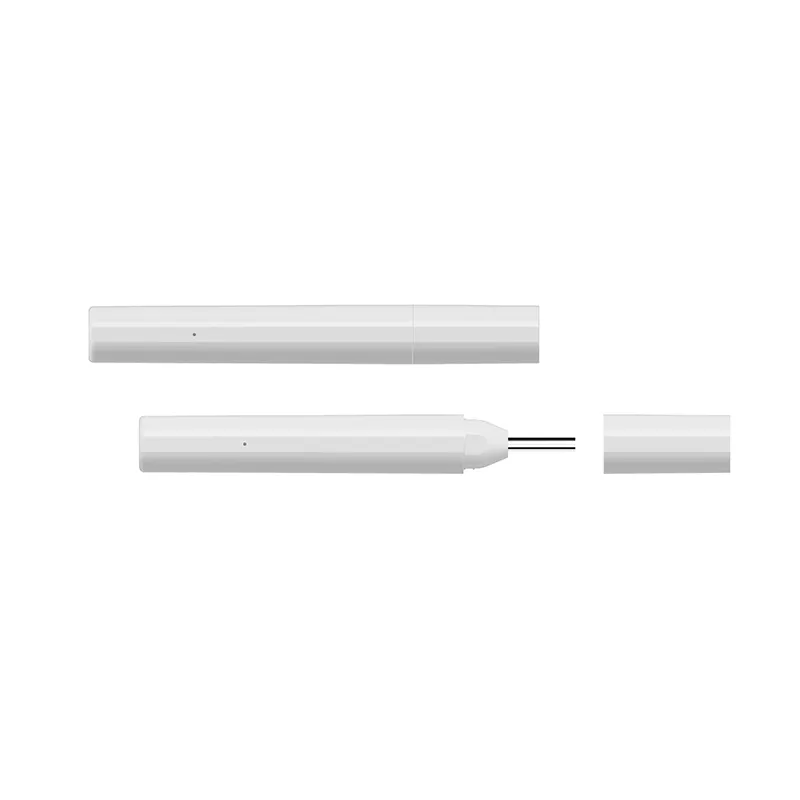
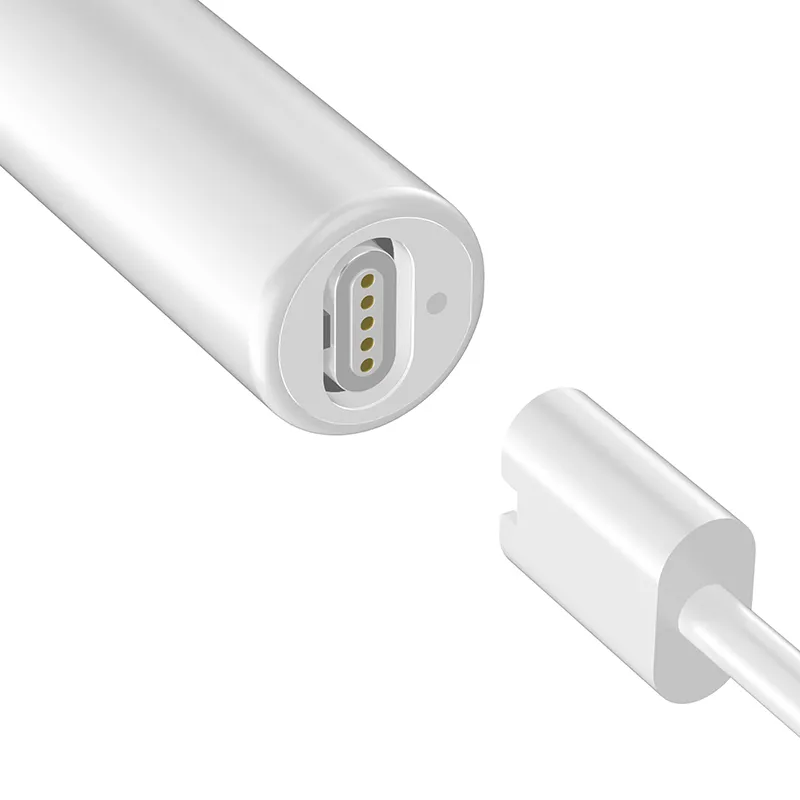
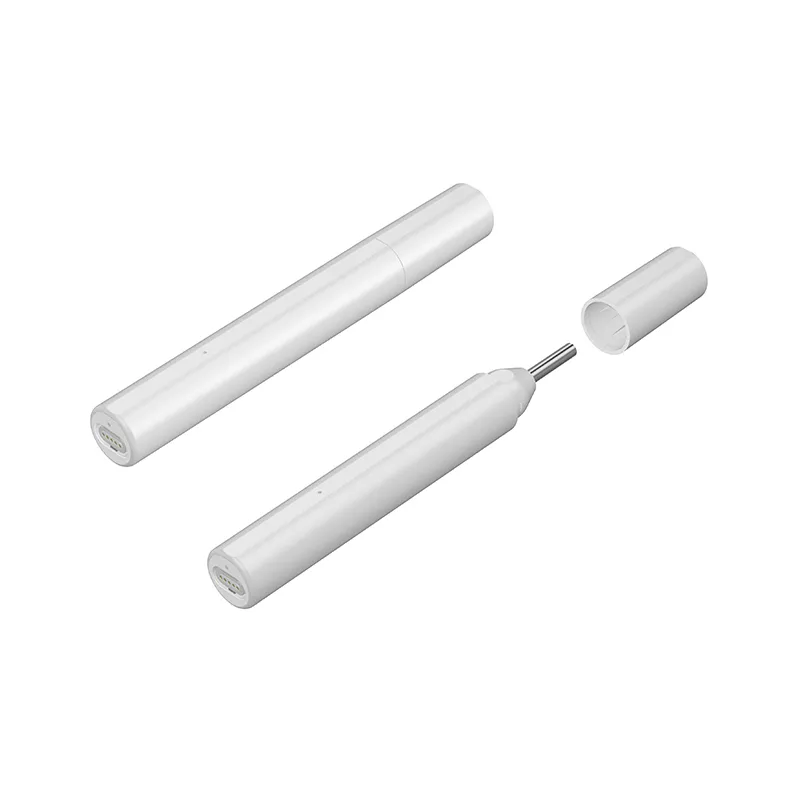
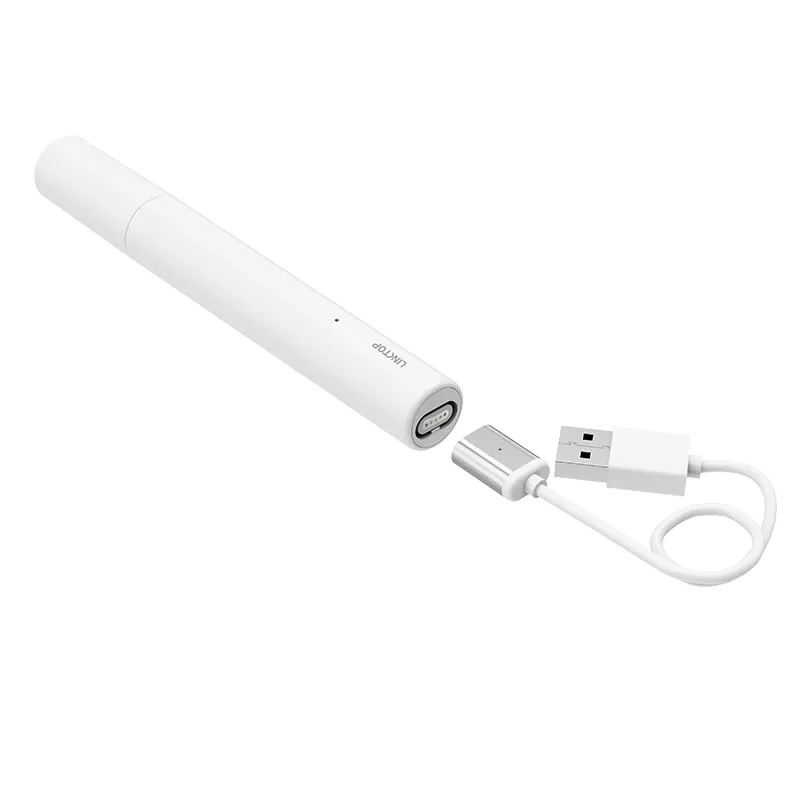
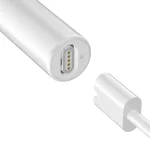
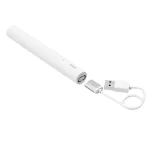
The device turns on automatically when the cover is opened and connects to Android/iOS via a magnetic USB interface.
The device is designed for home use, so you can quickly and easily perform an examination.
Compact and portable
Weighs only 30 g, measures 134.5 × 17.8 mm, and has a built-in lithium-ion battery with up to 500 charging cycles.
The device is always at hand at home, when traveling, or during consultations.
Reliability and safety
You are using a safe and durable medical device that complies with international standards.
Online consultation with a doctor at REMED.CARE
The ability to broadcast a video examination in real time via the REMED.CARE app.
The doctor immediately sees the patient’s condition and can give professional advice and a preliminary diagnosis, and you receive quality medical care without leaving your home.
Components
  • NE20 otoscope ×1;
  • user manual ×1;
  • magnetic USB-C cable ×1;
  • magnetic iOS cable ×1;
  • micro USB adapter ×1;
  • magnetic charging cable ×1;
  • protective camera cover (optional) ×1;
  • magnetic connector cover (optional) ×1.
Warranty and service life
Warranty: 1 year with exchange option.
Storage life: 3 years.
👉 The REMED.CARE digital otoscope is not just a device for independent use, but an innovative tool that opens up a new level of online medicine with REMED.CARE


Characteristics

Camera
The HD 720P camera provides clear and accurate examination for doctors. The camera diameter is 3.9 mm.
Connection types
USB, TYPE C, Lightning cable
Lighting type
Six cold and shadowless LED lamps provide sufficient lighting.
Manufacturer model
NE20
Power supply
Lithium-ion battery (non-removable)
Charging voltage/current
5V DC 2A/1A/500mA
Dimensions
Height: 5.3 inches (134.5mm); Diameter: 0.7 inches (17.8mm)
Weight
30 g
Camera diameter
3.9 mm
Package contents
Otoscope ×1; User manual ×1; Magnetic USB-C cable ×1; Magnetic iOS cable ×1; Micro USB adapter cable ×1; Magnetic USB charging cable ×1; Camera cover ×1 (optional); Magnetic connector cover ×1 (optional)
Protection class
IP22

Instruction

Instructions for Using the Device in the REMED.CARE Mobile App

You can connect the device to the REMED.CARE app, take measurements, and share them with your doctor. Follow these steps:

Step 1: Preparing the Device

  • Unpack the device and charge it: connect the device to a charger using the USB cable.

  • Remove the cap: make sure to remove the protective cap before connecting the device.

Step 2: Connecting the Device

  • Insert the cable: connect the cable to the otoscope via the Type-C (Android) or Lightning (iPhone) port.

  • Connect the device to the phone or tablet: use a Type-C cable (Android), Lightning cable (iPhone), or Lightning-to-Type-C adapter (for iPhone 15+).

  • Trust request: if a system message appears saying “Trust this device?”, tap Yes.

Step 3: Connection and Setup

  • Device connection: this process may take 5–30 seconds.

  • Video stream: your device will stream video to your smartphone. If the image is displayed correctly, tap the “Add Device” button.

  • Device added: after successful addition, tap the button to go to the “My Devices” section.

Step 4: Using the Device

  • Select the device “Linktop Otoscope.”

  • Tap the “Take Measurement” button.

  • Check battery level: make sure the device has enough charge.

Step 5: Preparing for Image Capture

  • Remove the cap: take off the protective cap from the device and secure it to the device’s camera.

  • Insert the cable: connect the cable to the otoscope via the Type-C (Android) or Lightning (iPhone) port.

  • Connect the device: use a Type-C cable (Android), Lightning cable (iPhone), or Lightning-to-Type-C adapter (for iPhone 15+).

  • Place your phone on a stand: for convenience, it is recommended to set the phone on a stand.

Step 6: Capturing Images

  • Take a photo: start the examination using the device and take pictures of the required areas.

  • Data successfully transferred: the measurement results have been successfully sent to the REMED.CARE app.

Detailed instructions and technical specifications are available at the link below.

Download our app and take a step toward a healthier life!

remed.care

Quick access to qualified doctors

remed.care

Convenience and comfort of medical consultations

remed.care

Saving time and money for patients

remed.care

Continuous medical support