1 999  1 500 
Buy
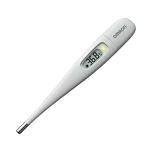
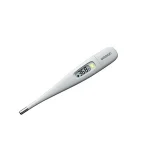
Omron Eco Temp Intelli IT Thermometer

Omron Eco Temp Intelli IT Thermometer

1 999  1 500 
Buy

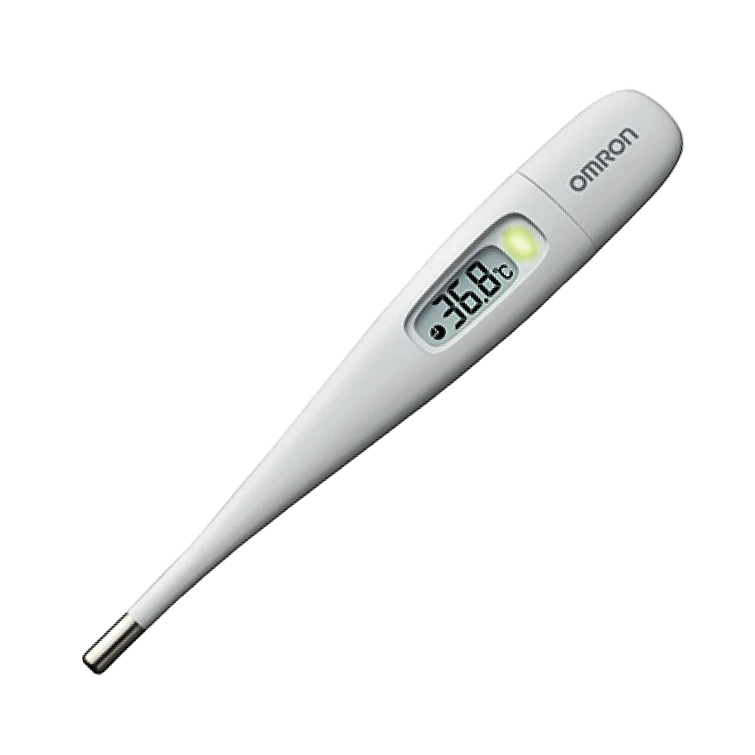
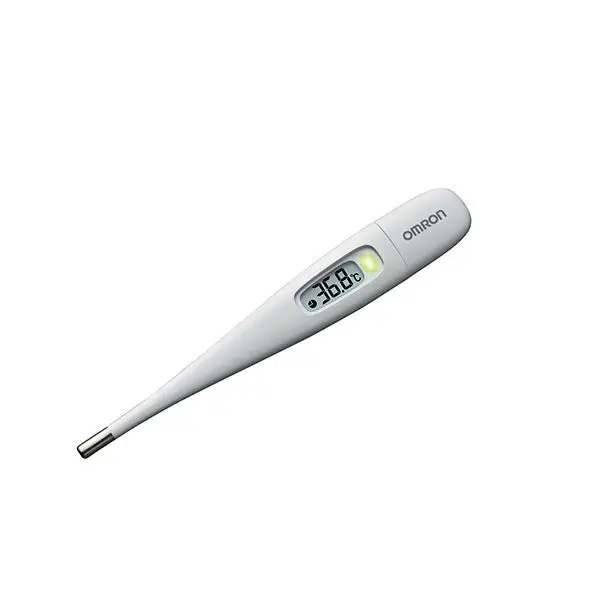
The Eco Temp Intelli IT thermometer accurately measures body temperature in real time. The main advantage of the Eco Temp thermometer is its ability to connect to the REMED.CARE app, which provides efficient data transfer with temperature measurement results to your phone for viewing trends in a graph. It is convenient, fast, and painless, and will provide a clear picture of trends to your doctor online.

Description

The Eco Temp Intelli IT thermometer is a medical device that accurately measures body temperature in real time. The main advantage of the Eco Temp thermometer is its ability to connect to the special REMED.CARE app, which provides efficient data transfer with temperature measurement results to your phone. This allows users to effectively monitor their body temperature and recovery progress with the ability to view it in a dynamic graph.

Accurate temperature tracking

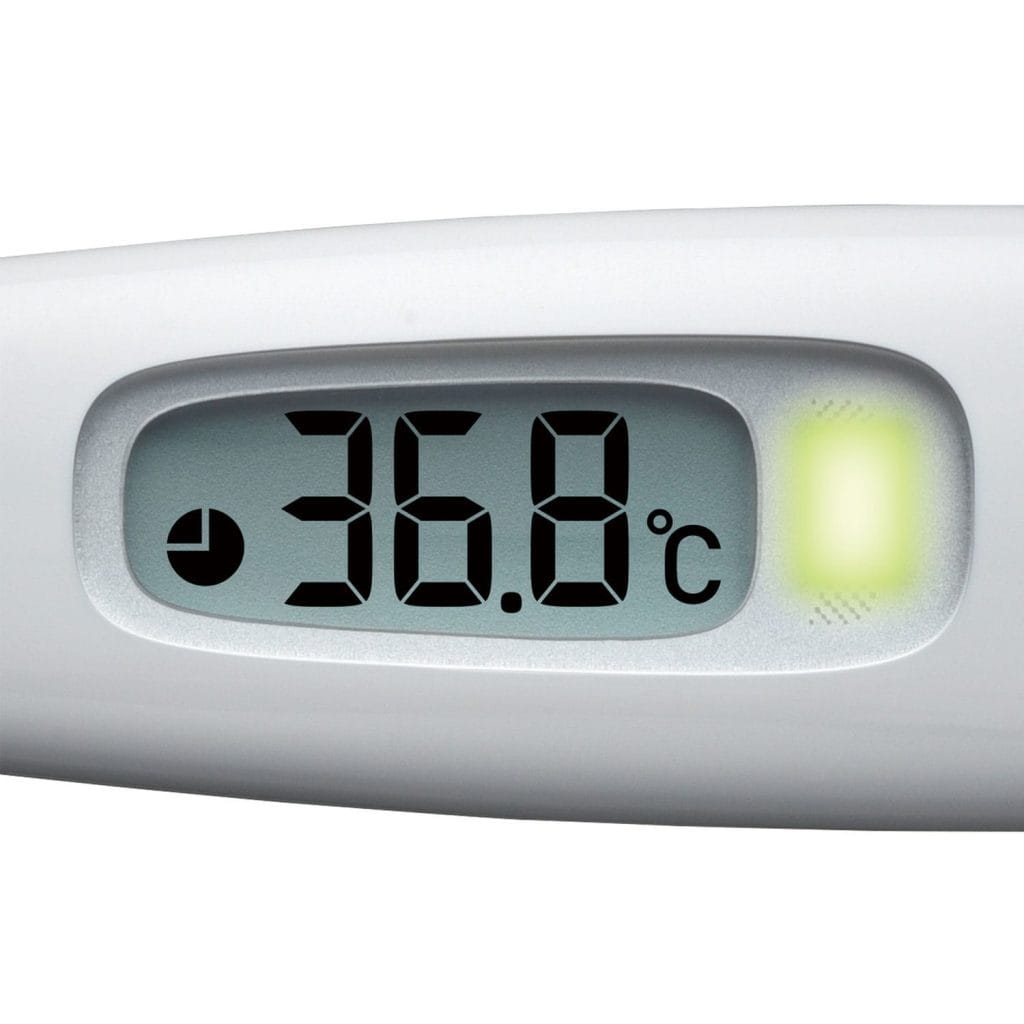
Fast measurement in 40 seconds, with an audible signal and green LED indicator – get accurate results quickly, without discomfort or waiting.

Saving measurements

Transfer results via “sound wave technology” to the REMED.CARE mobile app – data is automatically stored on your smartphone – easily analyze progress or share temperature dynamics during illness with your doctor.

Versatile use

Can be used for oral (under the tongue) and armpit measurements; options in °C and °F – you can choose the method that suits you best – adapts to your needs.

Simplicity and comfort

Reminder buzzer, large display with indicator, automatic shut-off, previous value (recall) — easy to use — even for children or the elderly, without unnecessary settings.

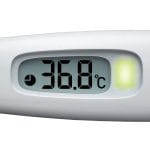
The test, performed using the Eco Temp Intelli IT thermometer, causes no discomfort, as it lasts only 40 seconds, and a built-in buzzer informs you when the temperature measurement is complete. The relatively large display shows the temperature in the unit selected by the patient: degrees Celsius or Fahrenheit, and an LED indicator visually informs you when the measurement is complete. The Omron Eco Temp Intelli IT thermometer is an excellent choice in its category.

Health monitoring with REMED.CARE
Health is data. And now you have it in your pocket.
Automatic saving of each measurement to your smartphone.
A convenient temperature diary that allows you to track trends by day, week, or month.
Easy transfer of results to your doctor in real time via the REMED.CARE mobile app
Modern data storage system + digital control — peace of mind and transparency — your health under control.
👉 Why choose OMRON Eco Temp Intelli IT + REMED.CARE
Accuracy — reliable results in 40 seconds.
Convenience — indicators, large display, easy to use for the whole family.
Digital monitoring — measurement history on your smartphone, easy to transfer to your doctor during an online consultation.


Characteristics

Type
Contact
Area of application
Axillary Oral
Measurement duration
40 s
Measurement range
32–42 °C
Measurement accuracy
0.1 °C
Audible signal
Yes
Display backlight
Yes
Power source
1 CR1220 battery
Dimensions
136.8x20.1x12.8 mm
Manufacturer model
MC-280B

Instruction

Instructions for Using the Device in the REMED.CARE Mobile App

You can connect the device to the REMED.CARE app, take measurements, and share them with your doctor. Follow these steps:

Step 1: Adding the Device

  • Log in to the REMED.CARE app and go to the “My Devices” section.

  • Tap the “Add New Device” button.

  • Select device: From the list of available devices, choose the thermometer “Eco Temp Intelli IT.”

  • Microphone access: The Omron thermometer transmits measurement data using sound signals. Grant microphone access to ensure correct data transfer.

  • Device successfully added: After successful addition, tap the button to go to the “My Devices” section.

Step 2: Using the Device

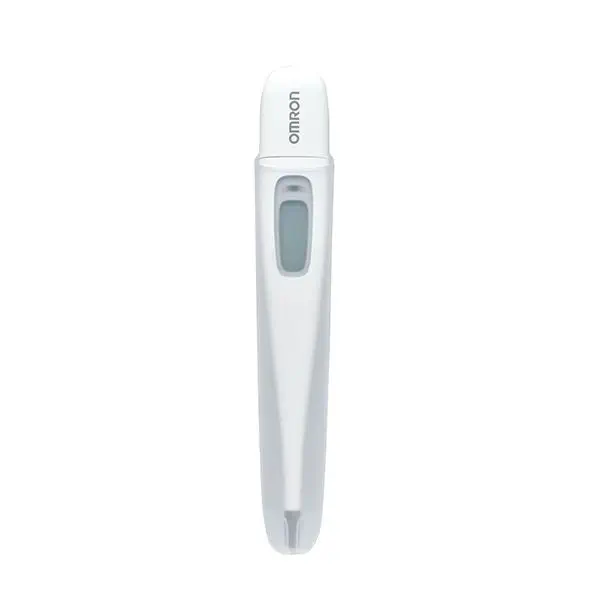
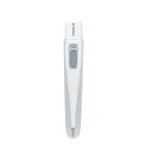
  • Turn on the device: Press the button on the top of the thermometer.

  • Start measurement: Place the thermometer in your mouth or under your armpit to begin measuring.

  • Measurement complete: When the measurement is finished, a sound signal will confirm completion.

Step 3: Transferring Data

  • Data transfer: Press the button on the top of the thermometer and bring it closer to your smartphone to transfer the data.

  • Transfer process: The thermometer will emit sound signals, and three rings will appear on the smartphone screen, indicating that the transfer is in progress.

  • Successful transfer: The measurement data has been successfully saved in the REMED.CARE app.

Detailed instructions and technical specifications are available at the link below.

Download our app and take a step toward a healthier life!

remed.care

Quick access to qualified doctors

remed.care

Convenience and comfort of medical consultations

remed.care

Saving time and money for patients

remed.care

Continuous medical support