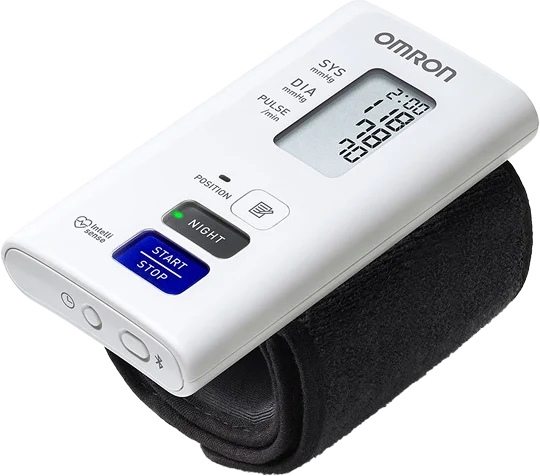
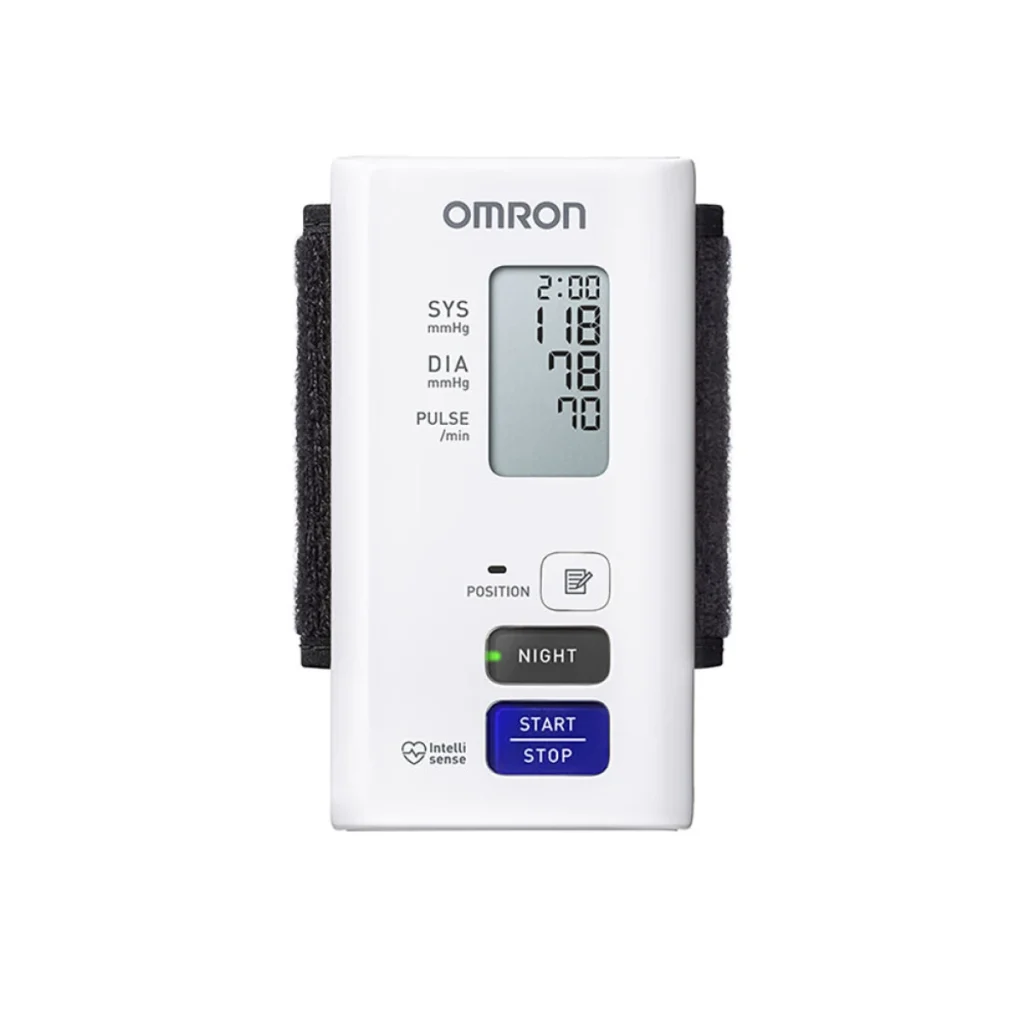
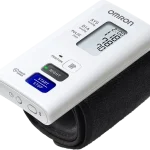
NightView is the latest, flawless method for determining blood pressure during the day and automatically measuring blood pressure at night, with minimal impact on the quality of your sleep.
This first-of-its-kind home wrist monitor is designed specifically for nighttime blood pressure measurement. As we know, daytime blood pressure is only part of the picture when it comes to our health.
Blood pressure at night tends to be lower than during the day. However, if your blood pressure does not decrease at night or even rises further, this may indicate nocturnal hypertension.
Even those with daytime blood pressure under control may experience nocturnal hypertension, and NightView helps to quickly identify this problem without waiting for the consequences.
A complete picture of your blood pressure
Automatic nighttime measurements at 2:00 a.m., 4:00 a.m., and 4 hours after falling asleep — you can monitor what happens to your blood pressure while you sleep, even if everything is normal during the day.
Clinically proven accuracy
Validated in different positions, even when rotating your wrist during sleep – the results are accurate and reliable, regardless of the position of your arm.
Silence and comfort
Wrist cuff with recessed buttons, silent pump, gentle inflation — you won’t wake up — nothing dist.
Lots of data — lots of possibilities
Memory for 350 measurements + synchronization with the REMED.CARE app — you and your doctor get all the records — no paper, just digital monitoring with important signal indicators.
Accuracy aids
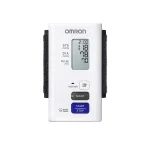
Indicators: irregular heartbeat, movement, correct cuff fixation — every measurement is reliable: even accidental movements or a loose cuff will not distort the result
Versatile device
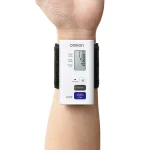
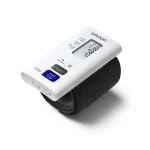
Wrist cuff 13.5–21.5 cm, light weight 110 g, compact dimensions 55×111×17 mm — suitable for most people and does not interfere even during sleep.
Modern health monitoring with REMED.CARE
The digital world is changing medicine, and REMED.CARE is a key tool in this transformation. Like OMRON Connect, the app allows you to:
automatically synchronize all night and day measurements;
track blood pressure trends on a daily, weekly, and monthly basis;
share results with your doctor online — no queues or clinics.
A complete picture of your blood pressure + full control on your smartphone — your health under control 24/7 — without leaving home.
NightView gives you a complete picture of your blood pressure, not only at night but also during the day. In addition, you can track your progress and share this data with your doctor to adjust your treatment if necessary.
The automatic blood pressure measurement process is accurate and unconditional thanks to its adaptation to different lifestyles and sleep patterns. NightView automatically measures blood pressure three times during the night—at 2:00 AM, 4:00 AM, and 4 hours after switching to night measurement mode. This monitor has been clinically tested for accuracy in various positions, including possible wrist rotations during sleep.
NightView is not only effective but also a comfortable way to measure blood pressure. The innovative cuff design ensures comfort and ease of use, while recessed buttons help prevent accidental pressing during sleep. The cuff inflation is invisible to you and completely silent, minimizing any disturbance to your sleep and reducing the time your wrist is compressed.
In addition, your blood pressure data can be tracked via the REMED.CARE app, which is compatible with iOS 10 and above, and Android OS 7 and above. The app’s simple interface provides quick access to your data, and you can easily share your results with your doctor for more effective treatment.
NightView not only monitors your blood pressure, but also has additional useful features: it detects and indicates irregular heartbeat or arrhythmia with an indicator. It also has:
- A movement indicator, warns you to repeat the measurement, as body movements during measurement can affect the accuracy of the results.
- A cuff fixation indicator shows whether the cuff is tight enough. When the “OK” icon appears on the screen and is then displayed in the app, it means that the device is securely fastened to your arm.
- Memory for storing up to 350 results. Displayed and recorded exclusively using the REMED.CARE app on your mobile device.
It is important to remember that in order to use the full range of functions and get the most out of this device, we recommend using the REMED.CARE app
👉 Your ideal choice: OMRON NightView + REMED.CARE
You get innovative nighttime measurement, clinically proven accuracy, and comfort that won’t wake you up.
You get complete digital health monitoring—daytime, nighttime, trends, statistics.
You get peace of mind and confidence that your condition is being monitored professionally, even while you sleep.









 We use cookies